Step by step, in the app
Snap or choose a photo
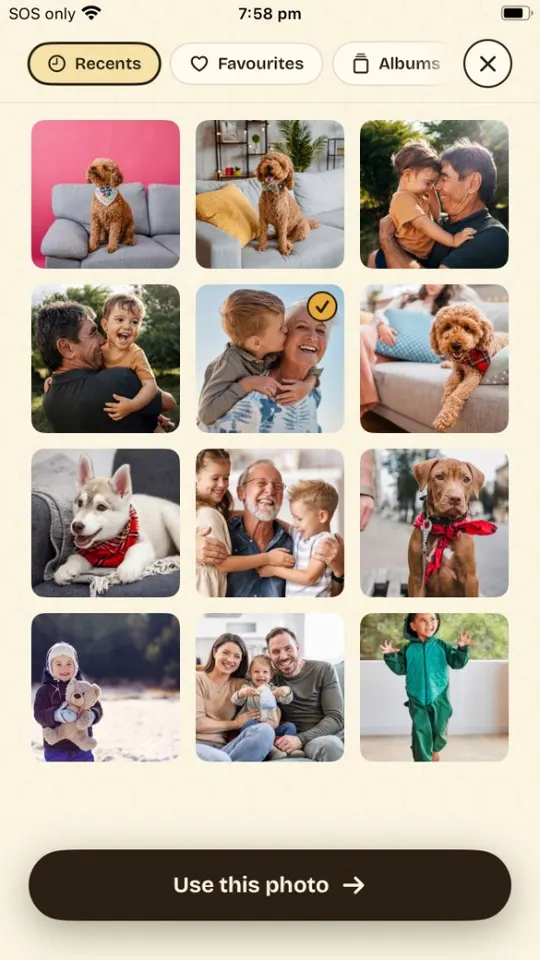
Open SketchBee and tap Snap a photo— or pick one from your camera roll. Anything with a clear subject works: kids, pets, a favorite toy, today's trip to the park.
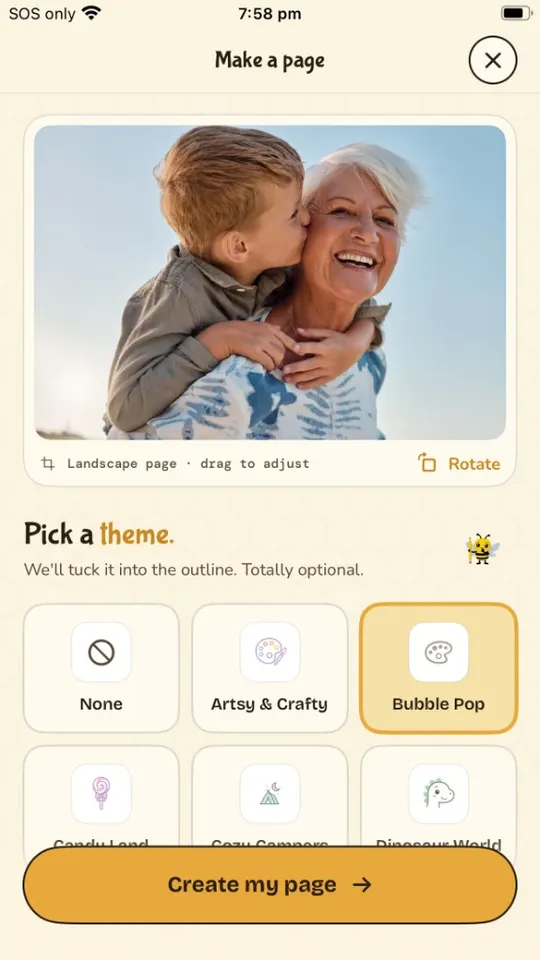
Pick a theme (or don't)
Themes tuck a little magic into the outline — princess castles, dinosaurs, outer space. Skip it for a faithful line drawing of the photo as-is.
Let Buzzy draw the lines
Buzzy turns your photo into a clean, kid-friendly outline in about 30 seconds. Bold lines, big spaces to color, no fussy details.
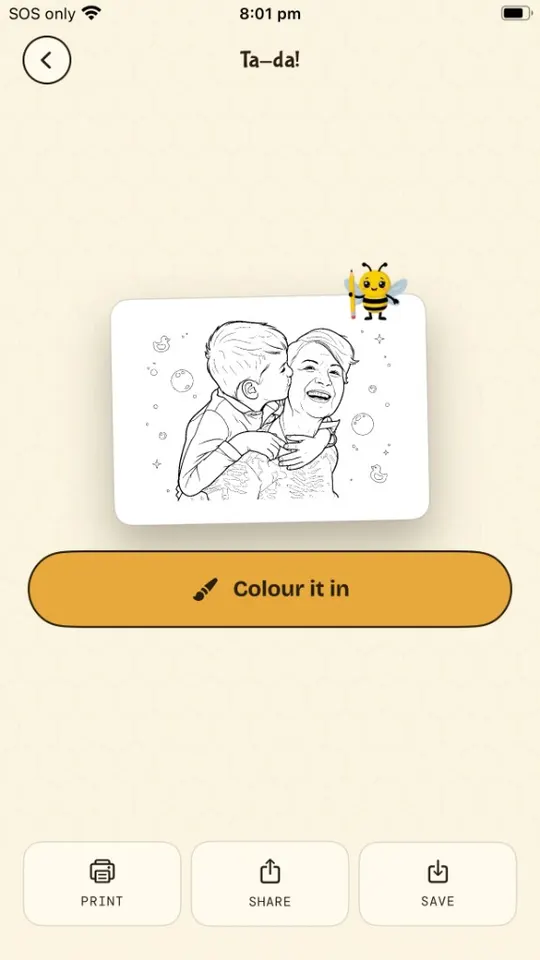
Print it — or color on screen
Tap Print to send it to any AirPrint printer, save it as a PDF, or hand over the phone and color right in the app with brushes, fills, and stickers.
Picking photos that convert well
The line drawing is only as good as the photo. A minute of choosing well beats a re-run:
- One clear subject. A kid on a slide beats a crowd shot. Faces and full bodies both work.
- Good light. Daylight photos convert best — dim or grainy shots make mushy lines.
- Simple background. Busy backgrounds become busy pages. Grass, sky, and walls stay clean.
- Get close. Fill the frame with the subject so the fun parts get big colorable spaces.
- Big shapes for little kids. For toddlers, choose photos with chunky subjects — pets, toys, one person — so the spaces are crayon-sized.
Squint at the photo. If you can still tell what it is, it'll make a great page.
Printing tips
- Plain paper is perfect. Standard 20 lb copy paper takes crayon, pencil, and marker well. Cardstock if paint is coming out.
- Print in black & white. Pages are pure line art — grayscale mode saves your color ink.
- Use "Fit to page." Pages are sized for Letter and A4; fit-to-page keeps lines from clipping at the margins.
- No printer? Send the PDF to a pharmacy print counter, the library, or Grandma — or just color on screen.
Things to do with the pages
The story-of-today book
Turn three photos from an outing into pages, staple them, and let kids color the story of their own day at bedtime.
Long-distance coloring dates
Share a page to a grandparent's iPad, print the same one at home, and color together on a video call.
Party favors that star the guests
Snap each kid at the start of a birthday party; by cake time everyone colors a page of themselves.

Or start with the free coloring pages.